Every product has a first-time user.
That first experience can determine whether someone understands the product, completes what they came to do, or turns to customer support for help.
When guidance is difficult to find, incomplete, or organised around features rather than user tasks, people may struggle to get started or use important capabilities effectively.
Well-designed user guides provide clear, task-based guidance that helps people understand what to do, complete activities, and solve common problems with greater confidence.
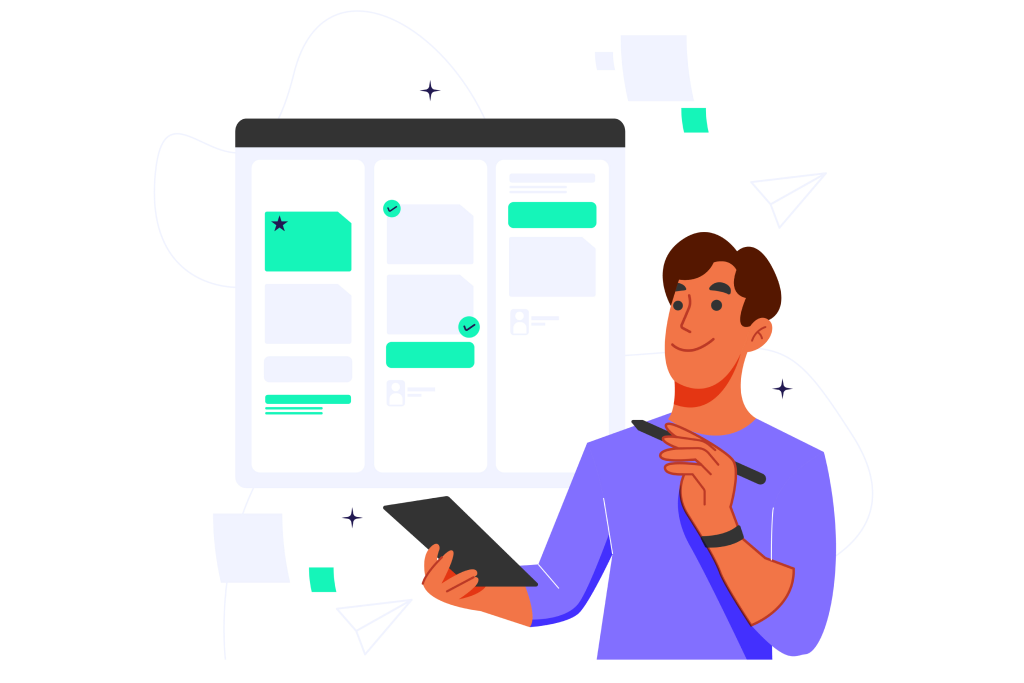
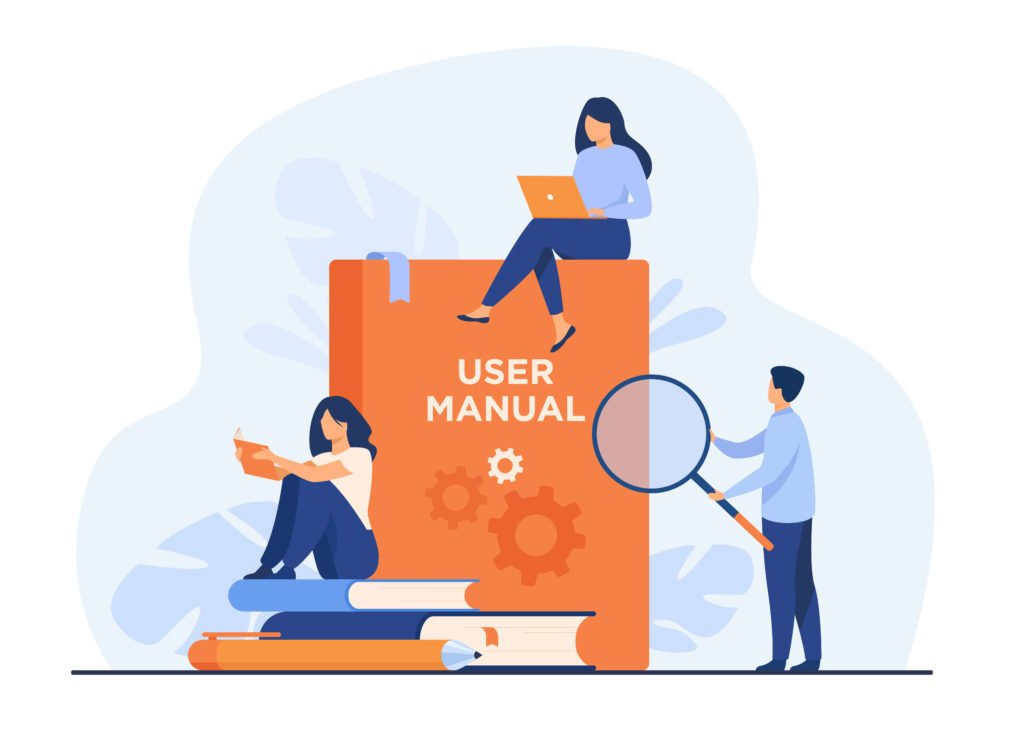
User guides are structured information resources that help people complete tasks, solve problems, and use a product successfully.
Rather than simply describing what each feature does, effective user guides answer practical questions such as:
“What do I need to do next?”
They may include step-by-step instructions, screenshots, examples, prerequisites, decision guidance, and links to related information. The content should be organised around real user goals and kept aligned with the product as it evolves.
Give users practical guidance for completing the first tasks that matter to them.
Help users understand relevant features and how to apply them to their goals.
Make answers to common questions easier to find without requiring users to contact support each time.
Provide a shared and maintained source of instructions across the user journey.
Give customer-success and implementation teams reusable guidance for introducing users to the product.
Turn recurring explanations into guidance that can be used across customers, teams, and locations.
Not all user guides improve the user experience.
The most effective guides are designed around how people work – not simply around product features.
A well-designed user guide should:
Great user guides don’t explain software – they help people succeed.


We don’t start with documentation.
We start by understanding how users interact with your product, where they need guidance, and what information will help them succeed.
We analyse user journeys, product workflows, existing documentation, and available customer, onboarding, and support insights to identify where users need clearer guidance.
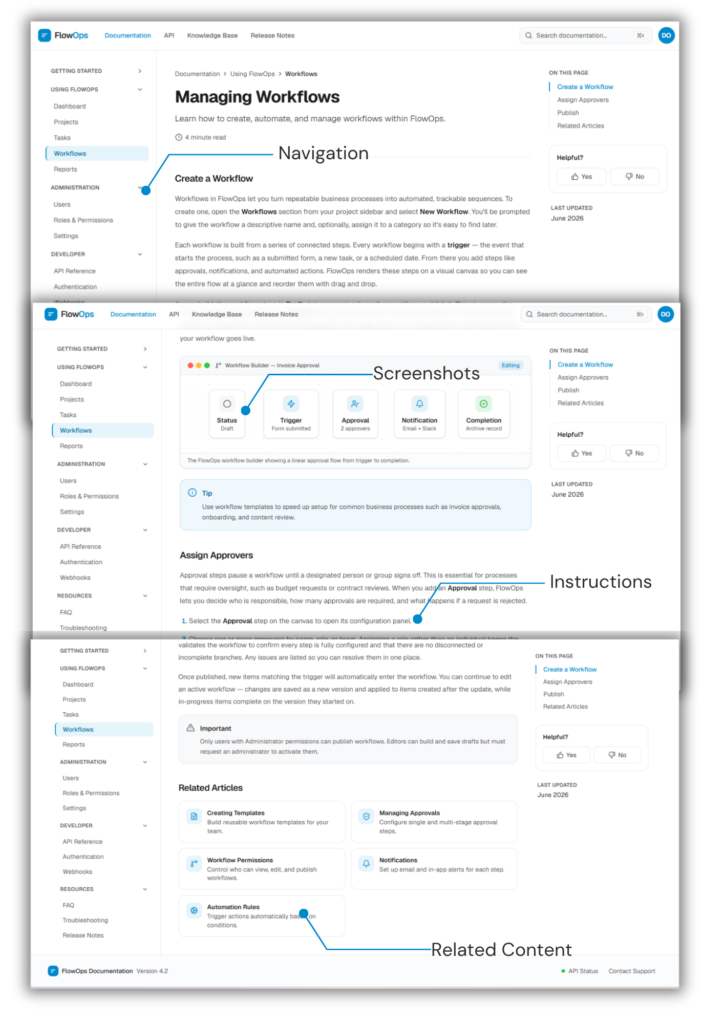
We design task-based user guides with clear instructions, intuitive navigation, useful visual examples, consistent terminology, and meaningful connections between related content.

We establish ownership, standards, review points, and maintenance processes so user guidance remains aligned with product changes and user needs.
Every guide is designed to help users quickly find the information they need, complete tasks successfully, and continue building confidence as they use your product.
Together, these resources help users find answers quickly, complete tasks confidently, and continue discovering more value from your product throughout its lifecycle.
Help customers understand features, complete tasks, and solve common problems.
Guide users through role-specific processes, configuration, and complex workflows.
Provide consistent guidance across departments, roles, and locations.
Help employees use internal tools and follow the intended processes.
Explain detailed activities, responsibilities, and system requirements clearly.
Provide reusable guidance for onboarding users and answering recurring questions.
Support structured product rollouts and reinforce training after implementation.
Product documentation is the broader collection of information supporting a product and its different audiences. It may include user guides, administrator documentation, API documentation, release notes, knowledge-base content, and technical references.
User guides are one type of product documentation. They focus specifically on helping users complete tasks, solve problems, and achieve outcomes using the product.
Yes. We can review your existing user guides for coverage, structure, clarity, consistency, navigation, and alignment with the current product.
We can then improve the areas that are incomplete, outdated, duplicated, difficult to follow, or organised in a way that does not reflect user tasks. You do not need to start from scratch unless a complete restructure is justified.
No. User guides can be published through searchable documentation portals, help centres, knowledge bases, websites, in-product help, or other digital platforms.
Downloadable PDFs can also be provided when users need offline access, controlled distribution, printable instructions, or a fixed document version.
Yes. We can create and structure content for platforms such as Confluence, GitBook, Document360, ReadMe, Notion, Zendesk, Helpjuice, and similar documentation or knowledge-management systems.
The exact workflow will depend on the platform, available access, publishing process, and technical limitations.
Yes. Ongoing support can help keep user guides aligned with new releases, feature updates, customer feedback, and changing business requirements.
Retainer support may include:
The scope and cadence can be matched to your release cycle and internal documentation capacity.
Yes. Effective user guidance often requires input from several teams. Depending on the project, we may work with product managers, developers, QA specialists, implementation teams, customer-success teams, support teams, and other subject-matter experts.
Their input helps us understand the product, reflect real user questions, resolve information gaps, and validate the documentation before publication.
We establish documentation standards covering content structure, terminology, writing style, formatting, screenshots, navigation, metadata, and review requirements.
We may also define templates, ownership, approval responsibilities, and maintenance processes so new and updated content follows the same approach.
The timeline depends on the product’s complexity, number of user roles, required deliverables, condition of the existing documentation, and availability of subject-matter experts.
A focused project, such as developing a Getting Started guide or improving a defined set of user guides, may take approximately 4–6 weeks. A comprehensive programme involving several audiences, task-based restructuring, visual guidance, and documentation standards may take approximately 3–4 months.
An indicative engagement may progress through three stages:
Evaluate: approximately 2–3 weeks
Review existing documentation, understand user journeys and product workflows, assess available customer insights, and identify priorities.
Engineer: approximately 4–12 weeks
Structure and create user guides, develop visual guidance, organise content around user tasks, and establish documentation standards.
Elevate: approximately 2–3 weeks
Validate the documentation, establish ownership and maintenance processes, support knowledge transfer, and prepare for publication or handover.
Before work begins, we’ll agree on the scope, milestones, review responsibilities, and realistic delivery timeline.
If your business is becoming harder to manage, it’s time to put the right systems in place.
Take a quick assessment to evaluate your current practices, identify gaps, and receive actionable insights for improving your governance.